
Kling AI: AI Image&Video Maker Free 116.7 MB 3.4.20.350
You can now download the App For Free.
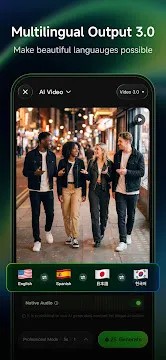
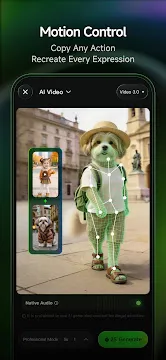
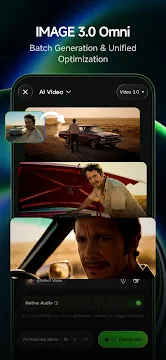
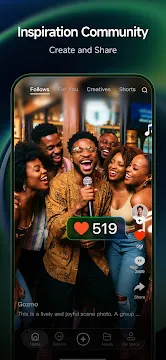
Kling AI stands out as a next-generation creative studio for mobile users who want to build stunning visual content. This software brings professional-grade artificial intelligence directly to your smartphone. Creators around the world use this system to generate cinematic videos and high-quality images from simple text prompts. The platform... Read more
Screenshots
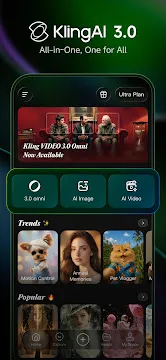
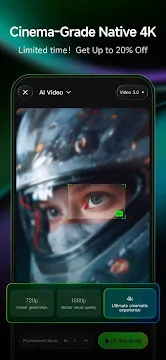
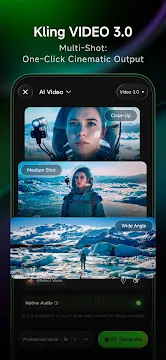
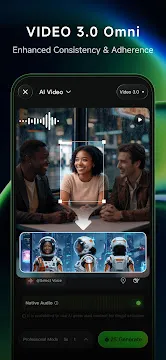
How To Install APK Files On Android Devices
APK stands for Android Package Kit, and it’s basically a way to install apps on your phone without using the Play Store.
Enabling Unknown Sources:
- Open Settings on your Android device.
- Tap on “Security” or “Apps & notifications” (depending on your Android version).
- Find the setting called “Unknown sources” and toggle it on.
- You might see a warning message – that’s okay, just tap “OK” to confirm.
Installing the APK:
- Download your APK file from a trusted source.
- Open your device’s file manager app (like “Files” or “Downloads”).
- Tap on the downloaded APK file.
- You’ll see a prompt asking you to confirm the installation. Tap “Install”.
- The app will start installing. It might take a few minutes depending on the size of the app.
- Once it’s done, tap “Open” to launch the new app!
With these steps, you can easily install APK files on your Android device.